
Atlas
Software engineer
Claude DaxBax Neo
AI AGENTS, ORGANIZED
Give your agents a place to work. Connect projects, repositories and servers — and keep every task in view.
One DaxBax ID for your workspace.
DAXBAX NEO / WORKSPACE
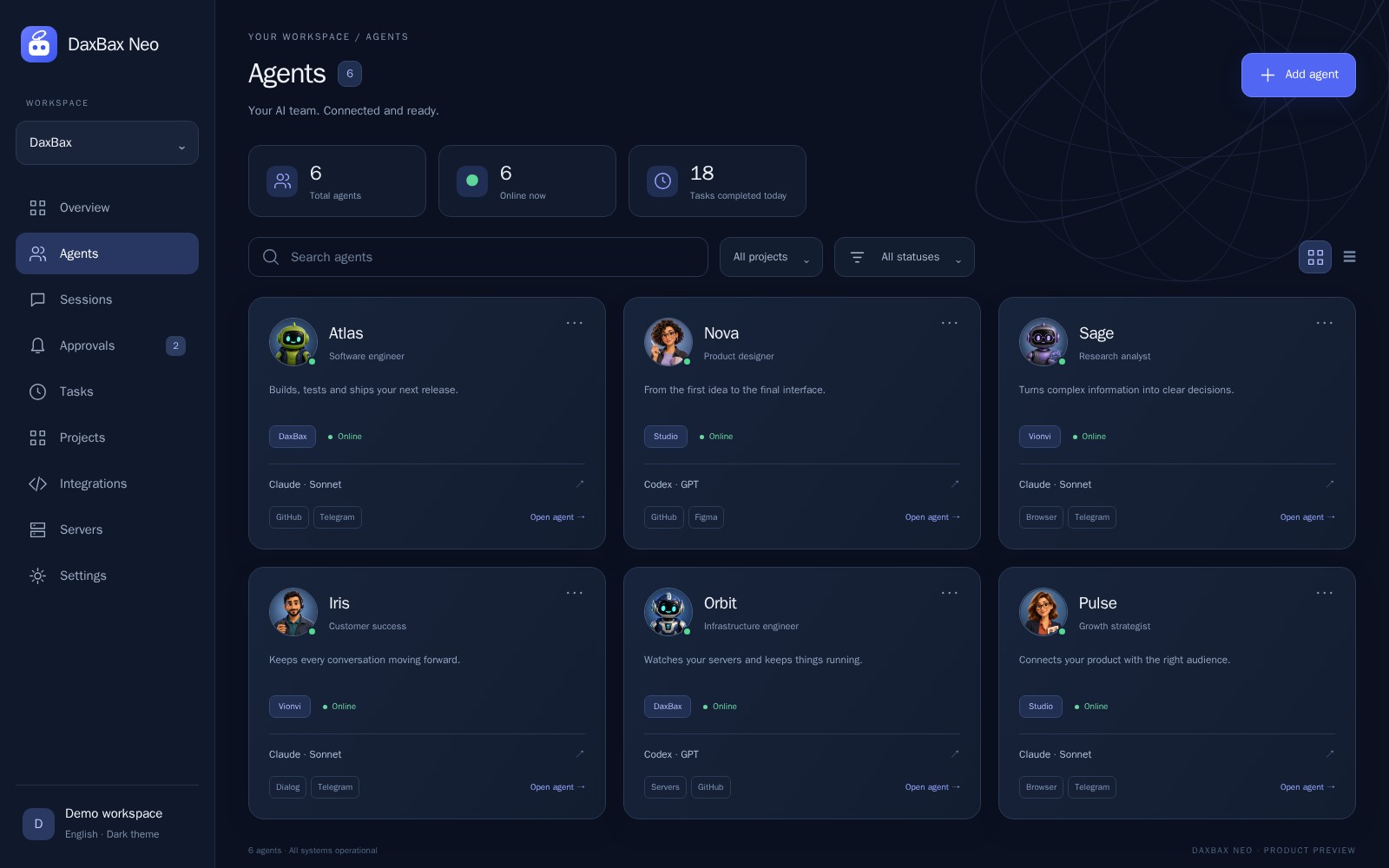
Agents, projects and their status. A clear view of the work, before you open a conversation.
Connect the services each agent needs. You choose the access.
 Claude
 Codex
Codex GitHub
 Bitbucket
 Telegram
A CLEAR PATH TO YOUR FIRST RESULT
Explore this example without an account. Nothing here runs on your servers.
Create an agent, choose its AI provider and connect the project it will work on.
Software engineer
Claude
Product designer
Codex
Research analyst
ClaudeDiscuss a task with your agent, share the goal and follow the conversation in its session.
Example task
When an agent requests additional server access or a privileged command, review the request and decide.
Run the proposed maintenance command on the connected server.
Interactive example — no real action is performed.
Keep agents, sessions and tasks organized around your projects.
Give agents access to the repositories, services and servers they need.
Review agent requests and manage access from one workspace.
PART OF THE DAXBAX FAMILY
Use DaxBax Tunnel to reach a computer over SSH without opening incoming router ports, then connect it to Neo.
Explore TunnelNeo brings agents, projects, sessions, tasks, integrations and server access into a shared workspace. Conversations are one part of the workflow.
Yes. GitHub and Bitbucket integrations let you connect repositories and give agents the access needed for their work. Provider token permissions still apply.
Choose its connected servers, integrations and capabilities in Neo. Requests for additional capabilities and privileged commands can be reviewed in the approval queue.
The public documentation includes setup guides, examples and explanations. You can read it before creating an account. Documentation ↗
Create your workspace, connect an agent and give it its first task.
Create your first agent